Shop by category

Choose your gear

Jump straight into the gear category you need, from precision mice to magnetic keyboards and performance surfaces.

Explore

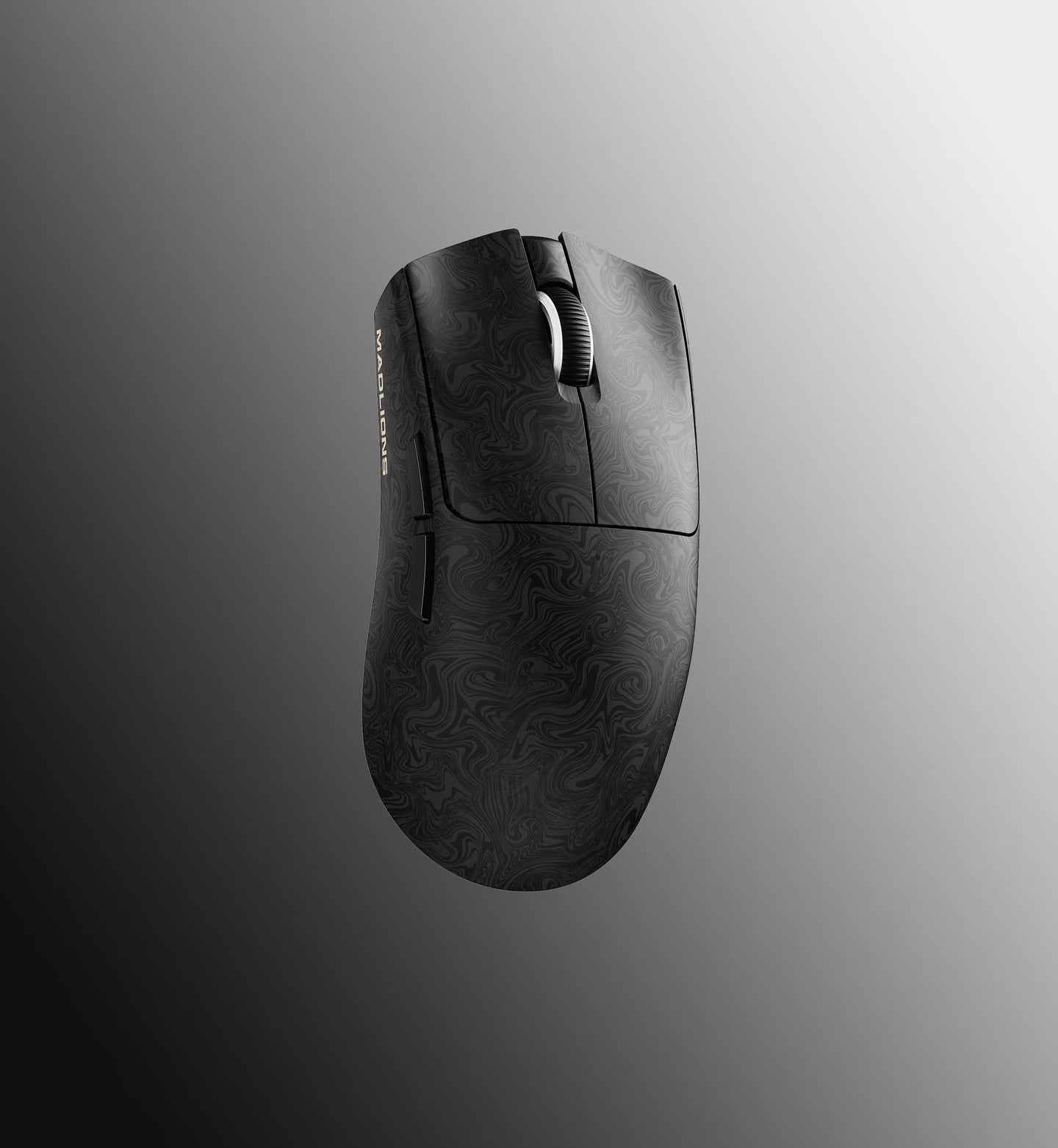
Wireless Mice

Ultra-light shapes tuned for speed, control, and competitive precision.

Explore
Explore

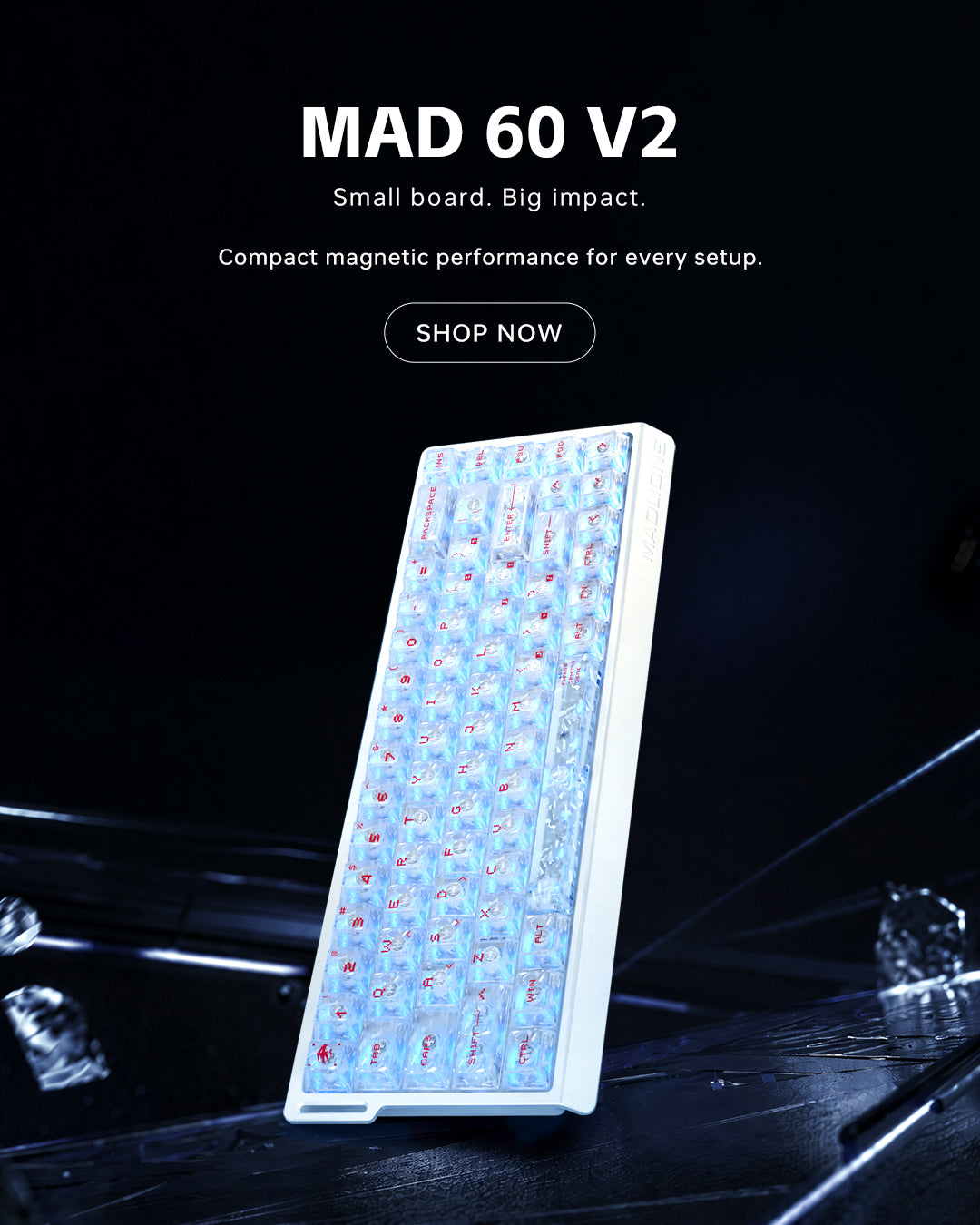
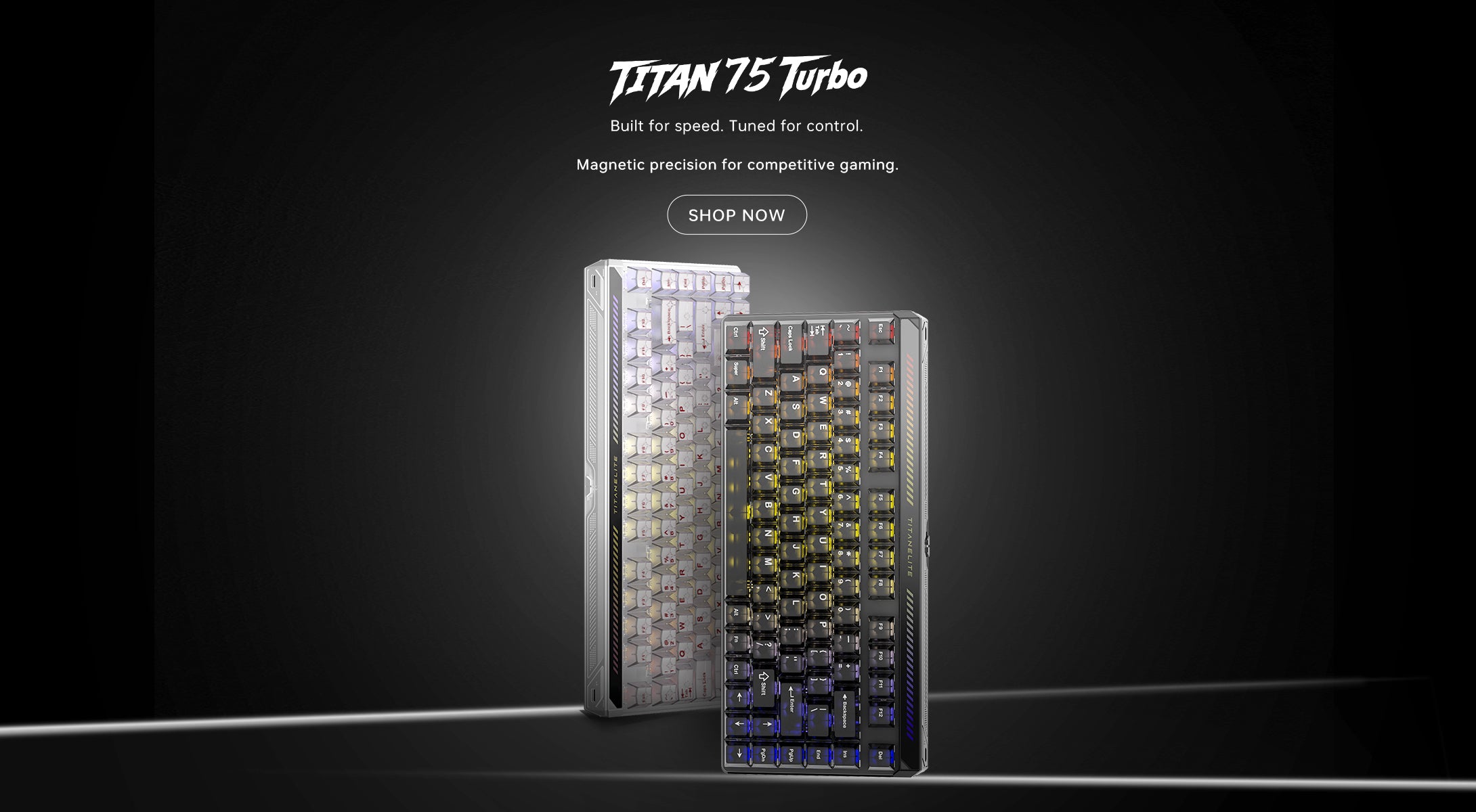
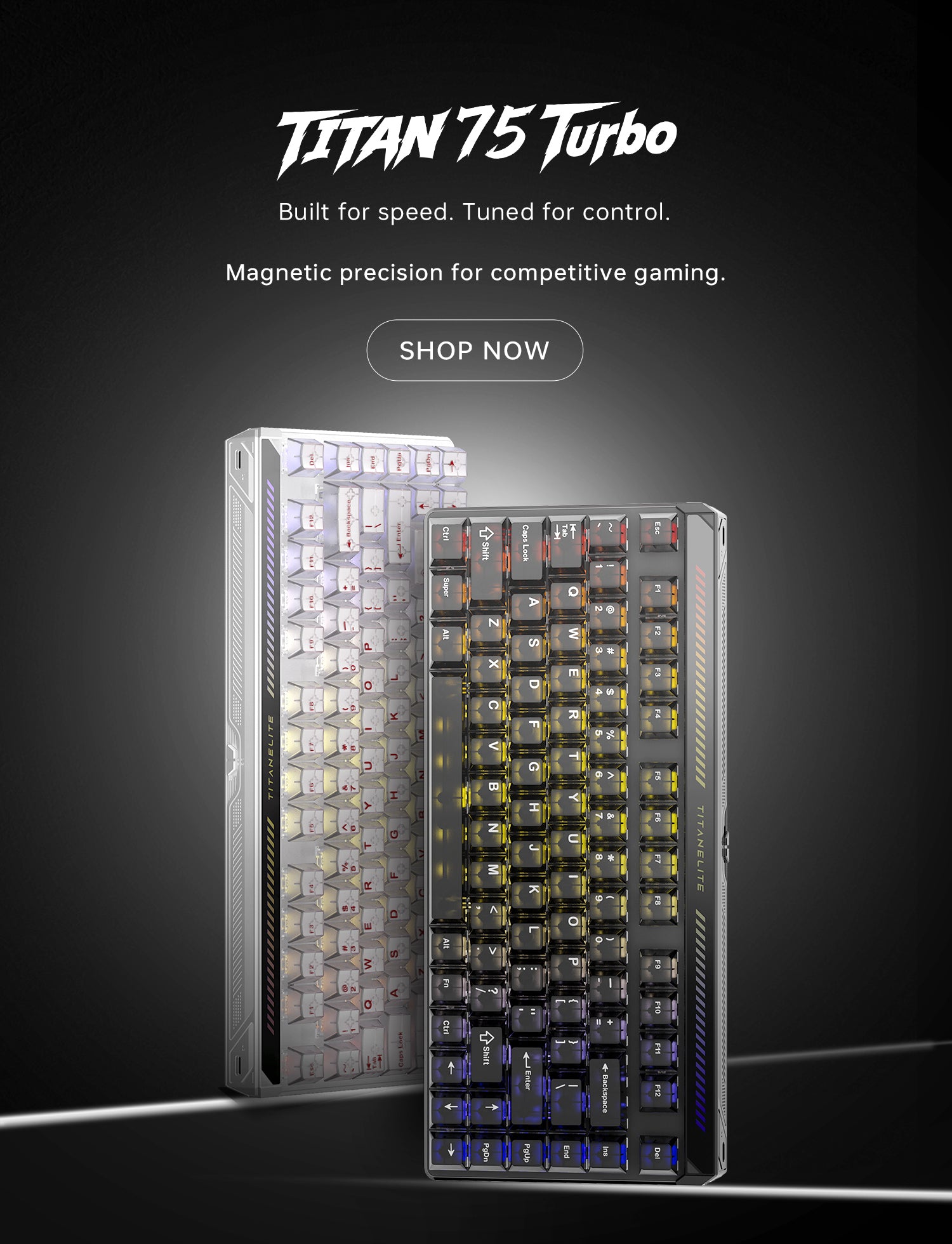
Gaming Keyboards

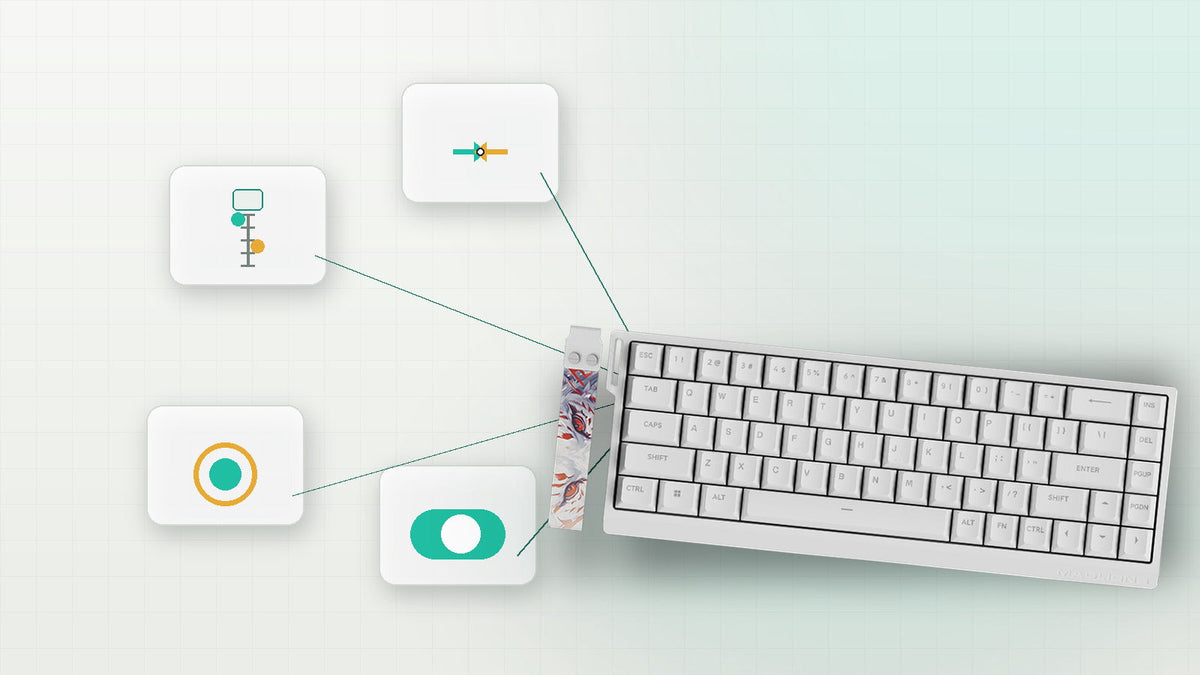
Magnetic, hall effect, and mechanical boards built for fast inputs.

Explore

Blog posts

Read all
🖱️ MAD G Wireless Gaming Mouse Review: Lightweight, Powerful, and Surprisingly Refined

🖱️ MAD G Wireless Gaming Mouse Review: Lightweight, Powerful, and Surprisingly Refined

Discover why FGG (MADLIONS)’s latest release is catching the attention of competitive gamers and tech enthusiasts alike. In a market saturated with flashy gaming mice, the real challenge isn’t just to stand out — it’s to deliver performance where it matters. That’s exactly what FGG (MADLIONS) set out to do with the MAD G Wireless Gaming Mouse: a compact, lightweight powerhouse that doesn’t just look good on paper — it performs. Whether you’re a competitive FPS player, a casual MOBA fan, or just want something fa...
VIEW
How to Replace Keycaps and Switches on a Magnetic Keyboard — A Practical Guide from FGG(MADLIONS)

How to Replace Keycaps and Switches on a Magnetic Keyboard — A Practical Guide from FGG(MADLIONS)

Welcome to f.gg, the official home of FGG(MADLIONS) Magnetic Keyboards. Known for their durability, ultra-fast responsiveness, and unique tactile feel, magnetic keyboards have become a favorite among gamers worldwide. To keep your keyboard performing at its best and reflecting your personal style, regularly replacing keycaps and switches is essential. In this guide, we’ll walk you through the safe and efficient steps to upgrade your magnetic keyboard like a pro. 1. Tools You’ll Need Before you start, gather the...
VIEW
Unlock Your FPS Potential: Why FGG(MADLIONS) Magnetic Switch Keyboards Excel in Valorant

Unlock Your FPS Potential: Why FGG(MADLIONS) Magnetic Switch Keyboards Excel in Valorant

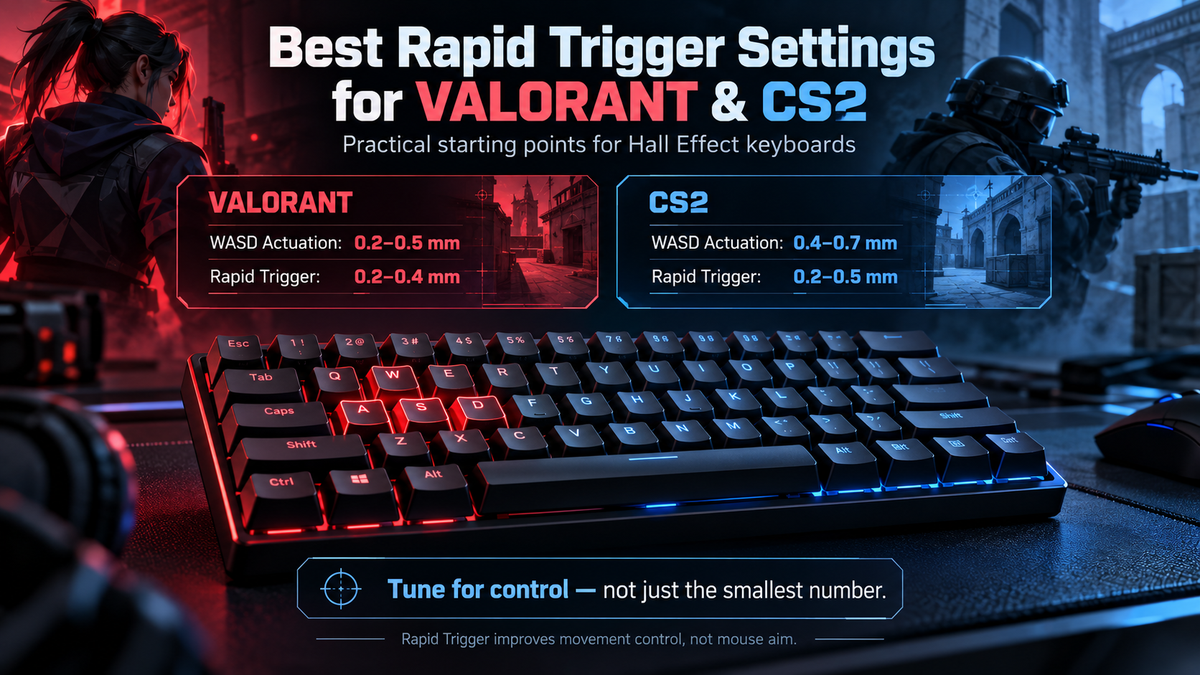
Dominate Your Game: Why Magnetic Switch Keyboards Are Perfect for Valorant 🎮 In fast-paced FPS games like Valorant, every millisecond matters. The FGG Magnetic Switch Keyboard is engineered to give you the edge you need to win. What Is a Magnetic Switch Keyboard? A Magnetic Switch Keyboard, also known as a Hall Effect keyboard, uses magnetic field changes instead of physical contact to detect keypresses. This advanced technology offers several advantages: Zero-contact actuation – no wear and tear from traditio...
VIEW
Redefining Performance: The Future of Typing with MADLIONS & FGG Magnetic Switch Keyboards

Redefining Performance: The Future of Typing with MADLIONS & FGG Magnetic Switch Keyboards

What Is a Magnetic Switch Keyboard? 🔍 A magnetic switch keyboard—also known as a Hall Effect keyboard—is an advanced input device that uses non-contact sensing technology to detect keystrokes. Instead of relying on physical metal contacts like traditional mechanical switches, it leverages the movement of a magnet and a Hall sensor. When a key is pressed, the magnetic field shifts, the sensor detects the change, and the signal is registered instantly and precisely. At MADLIONS ( FGG), we proudly incorporate this ...
VIEW
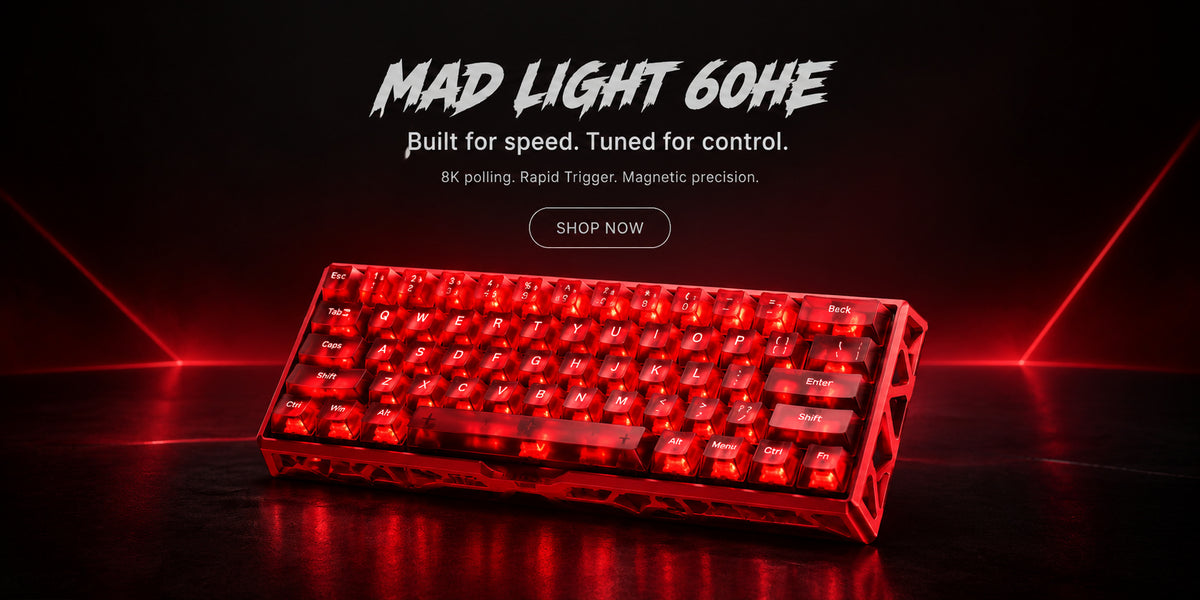
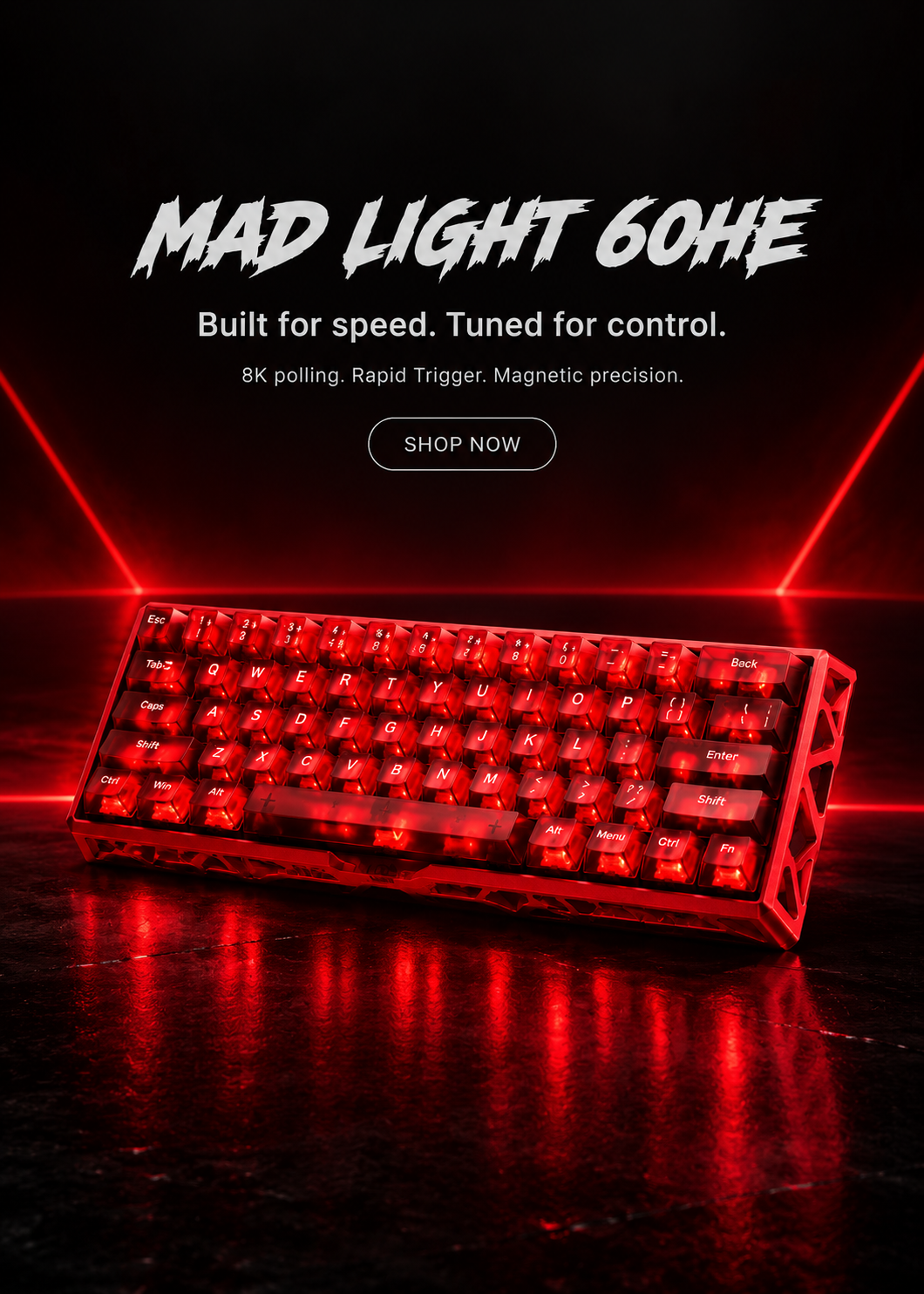
coming soon !!! 🧲 Elevate Your Game with the MAD LIGHT 60HE – Full Aluminum Magnetic Gaming Keyboard

coming soon !!! 🧲 Elevate Your Game with the MAD LIGHT 60HE – Full Aluminum Magnetic Gaming Keyboard

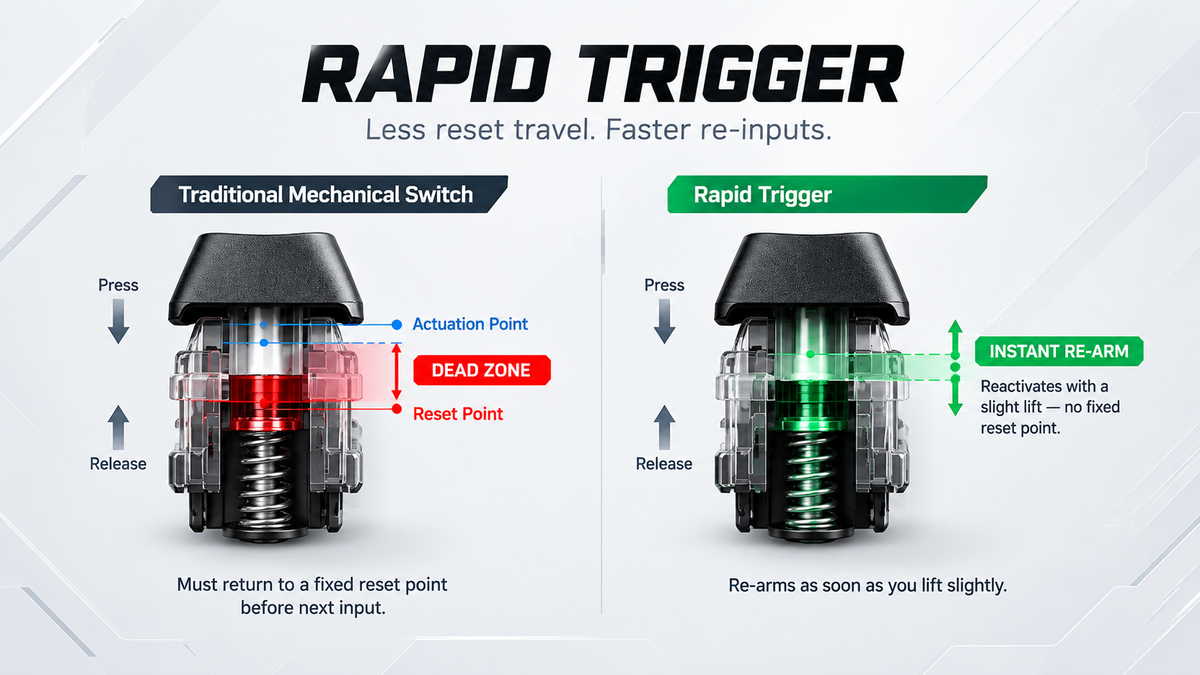
In esports, speed and precision are non-negotiable. The difference between winning and losing often comes down to milliseconds. That’s why FGG, in collaboration with legendary esports team MADLIONS, brings you the MAD LIGHT 60HE — a next-generation Hall Effect magnetic gaming keyboard built for competitive dominance. 🔹 Zero-Lag Magnetic Switches with Rapid Trigger Powered by Hall Effect technology, this keyboard eliminates traditional mechanical delay. Each key features: Adjustable actuation point from 0.1mm...
VIEW
MADLIONS FIRE68 Hall Effect Keyboard User Manual

MADLIONS FIRE68 Hall Effect Keyboard User Manual

 SYSTEM SWITCHING FN+O=win system; FN+P = Mac system;, Use the white light under the CAAS key to blink 3 times for prompts.Package includes: keyboard, data cable, key puller, manual.Use the data cable included in the package to connect the keyboard with the PCWhen the light is on, indicating a successful connection. KEYBOARD MAIN PERFORMANCE OUTPUTS a) Operating voltage: 5V Error±0.5V b) b)Operating current:<500mA c) Input type: USB d) Keys: NKRO mechanical keyboard, automatic recognition of N/Key a...
VIEW
MAD68 HE Magnetic Switch Gaming Keyboard User Manual

MAD68 HE Magnetic Switch Gaming Keyboard User Manual

FN+Combination Key (Window) FN+Combination Key (Mac) Connectivity Wired Connection Use the USB cable of this product to connect to the Type-C port of the keyboard and the USB-A port on the device. The keyboard light will light up when the connection is successful
VIEW
MAD60 HE Magnetic Switch Gaming Keyboard User Manual

MAD60 HE Magnetic Switch Gaming Keyboard User Manual

FN+Combination Key (Window) FN+Combination Key (Mac) Connectivity Use the USB cable of this product to connect to the Type-C port of the keyboard and the USB-A port on the device. The keyboard light will light up when the connection is successful.
VIEW

FAQ

Shipping

Yes, we ship all over the world. Shipping costs will apply, and will be added at checkout. We run discounts and promotions all year, so stay tuned for exclusive deals.

It depends on where you are. Orders processed here will take 5-7 business days to arrive. Overseas deliveries can take anywhere from 7-16 days. Delivery details will be provided in your confirmation email.

Other

You can contact us through our contact page! We will be happy to assist you.