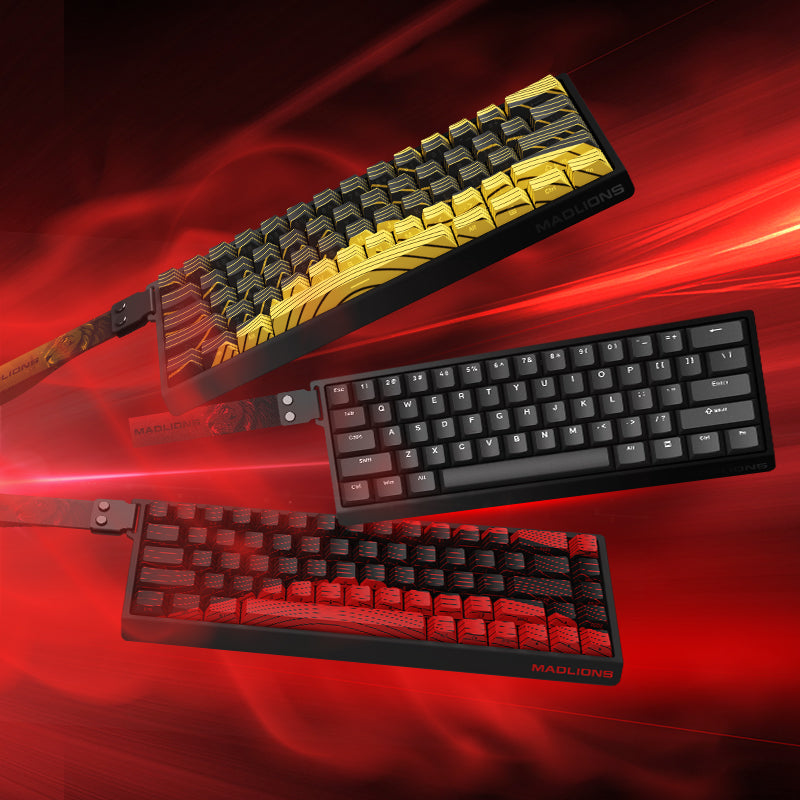

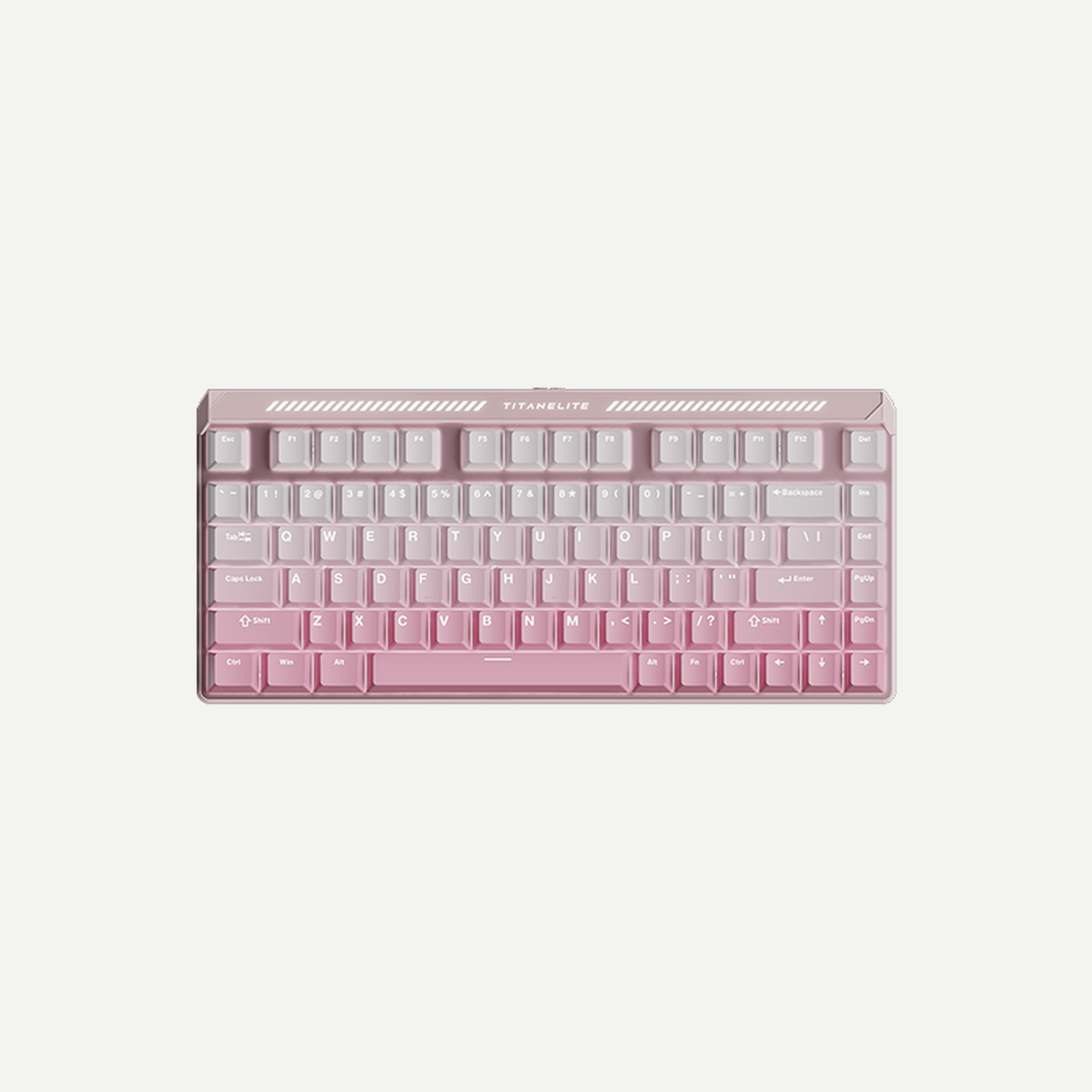
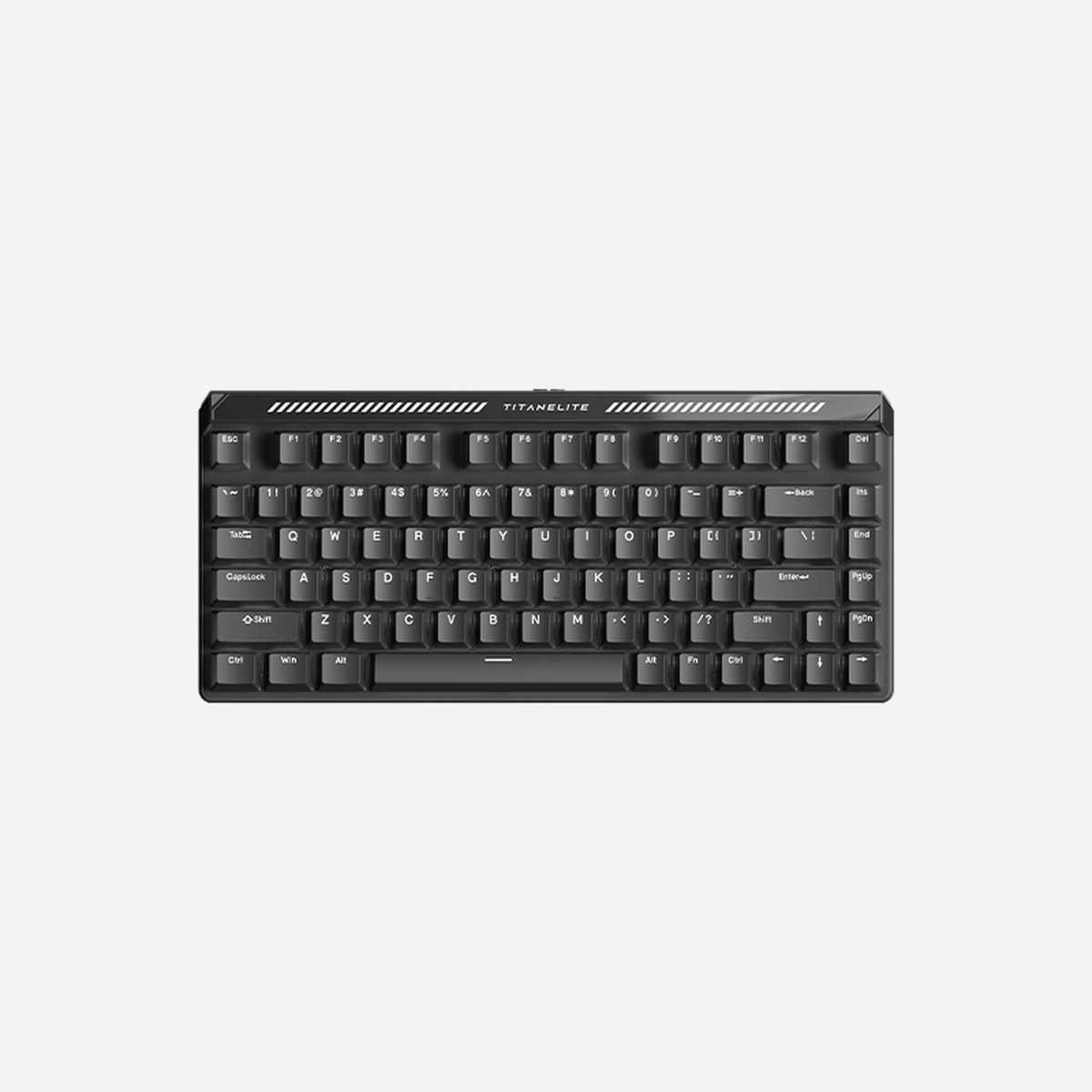
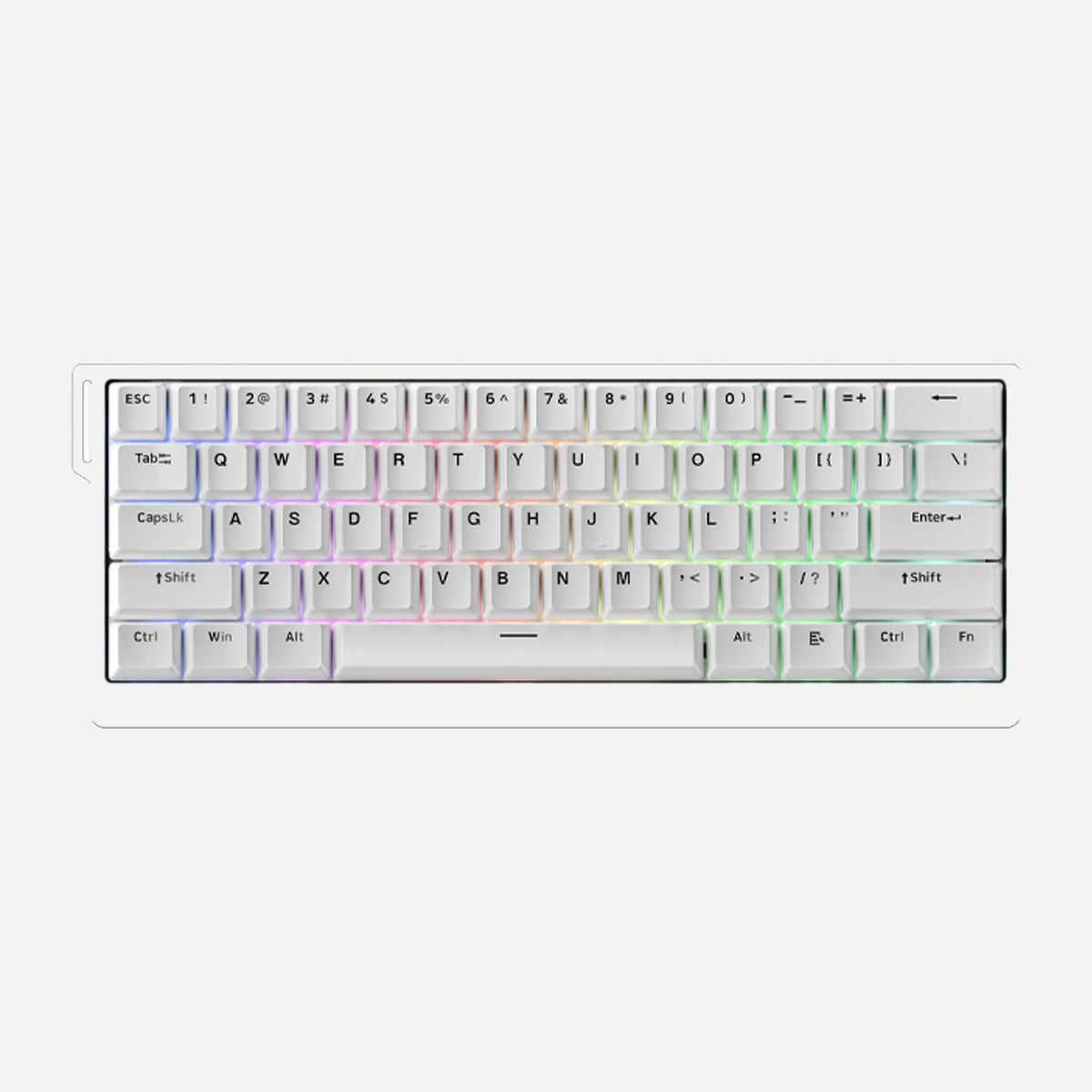
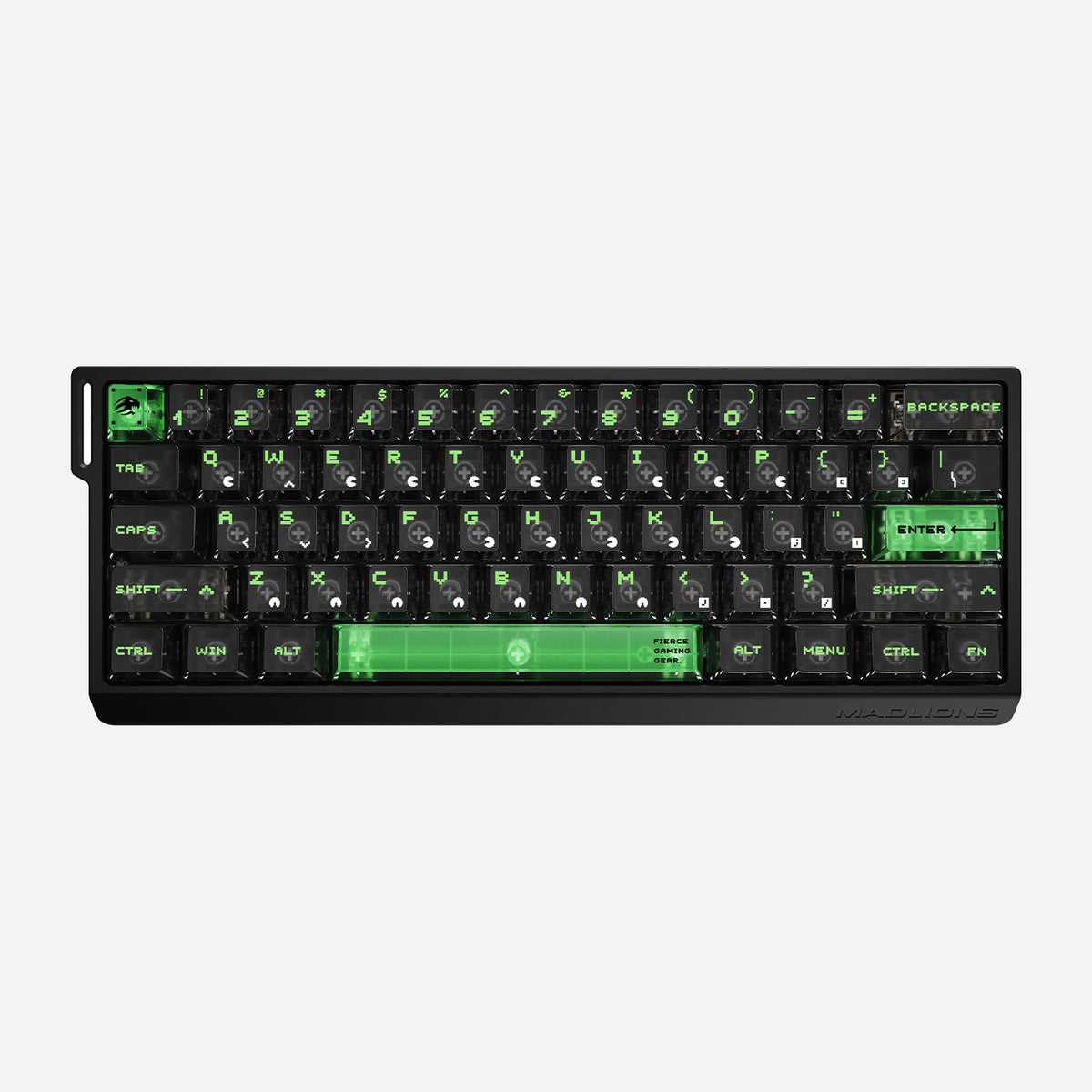
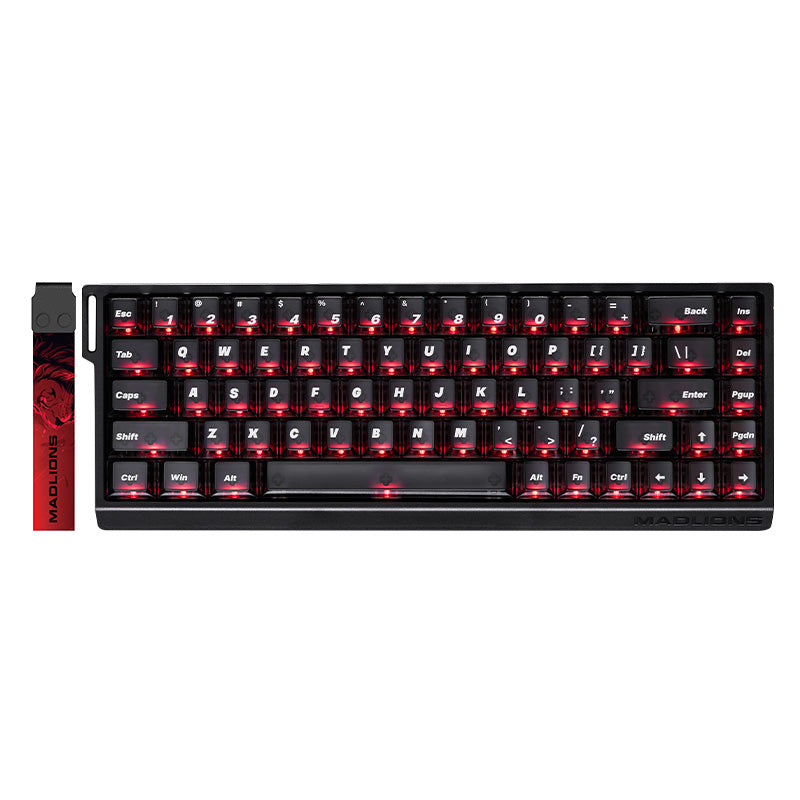
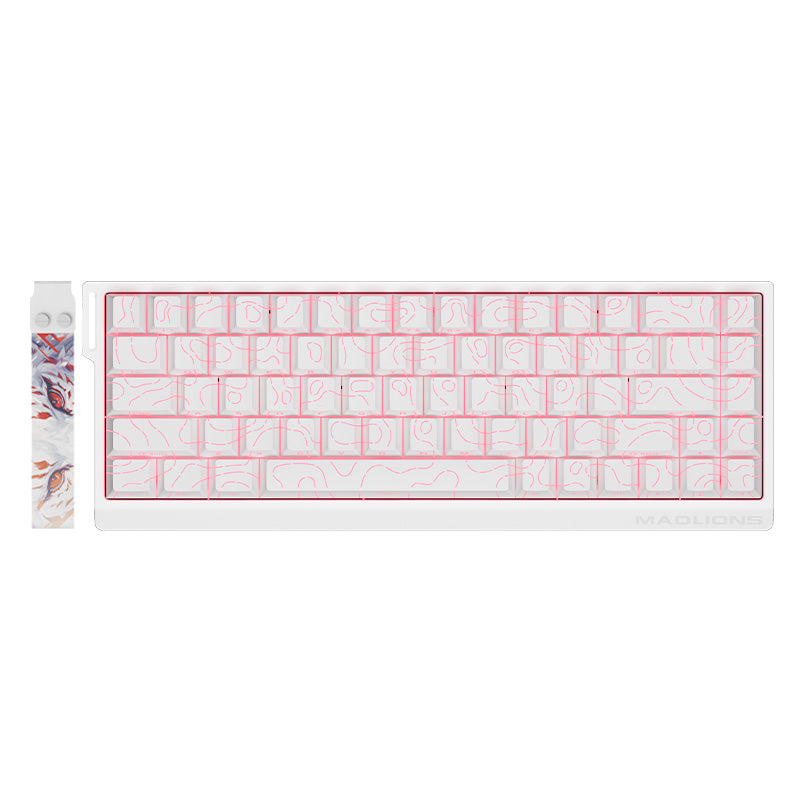
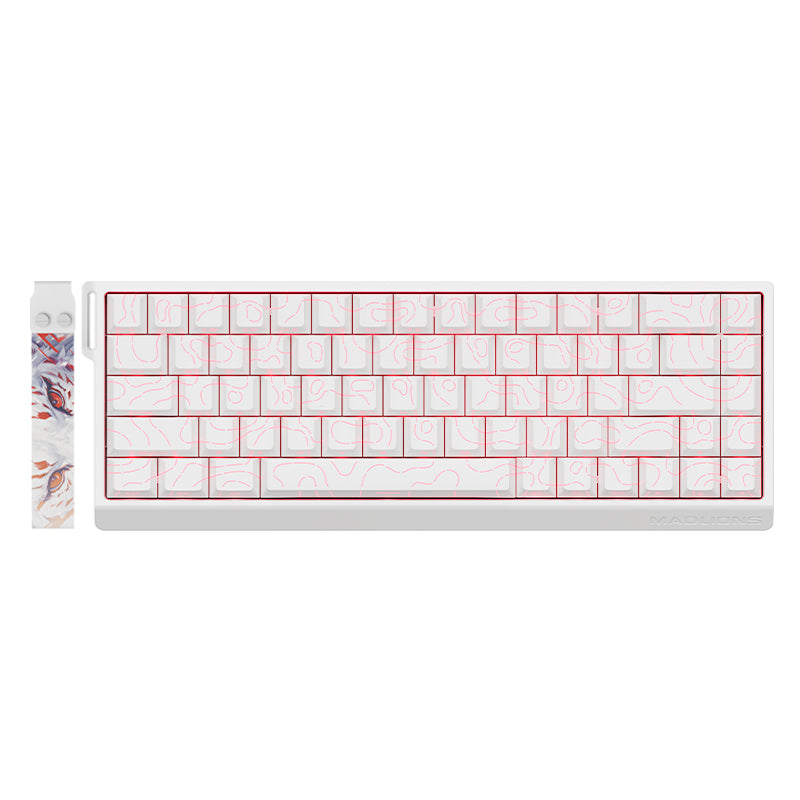
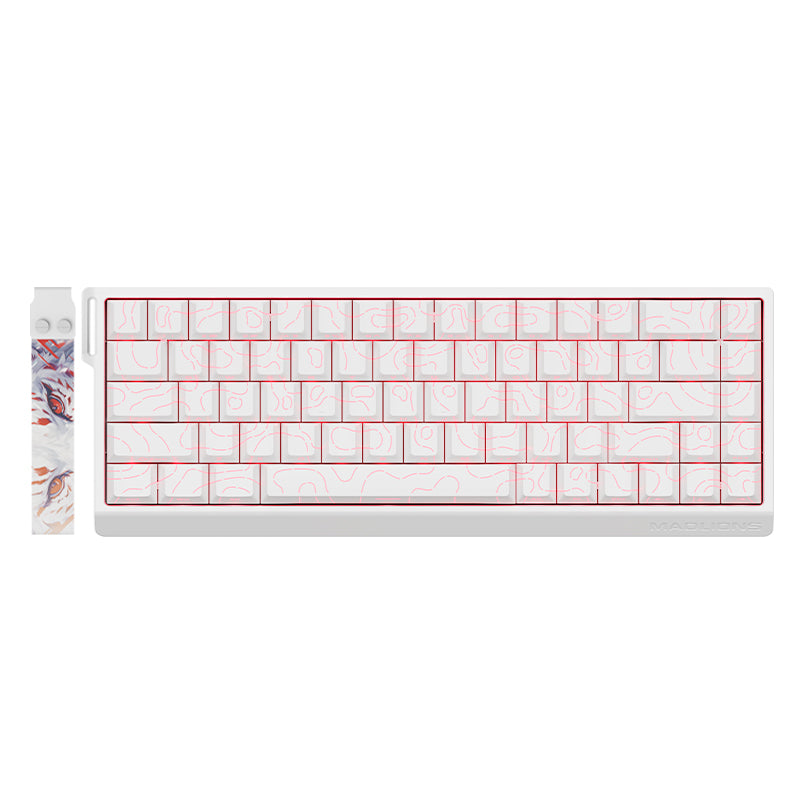
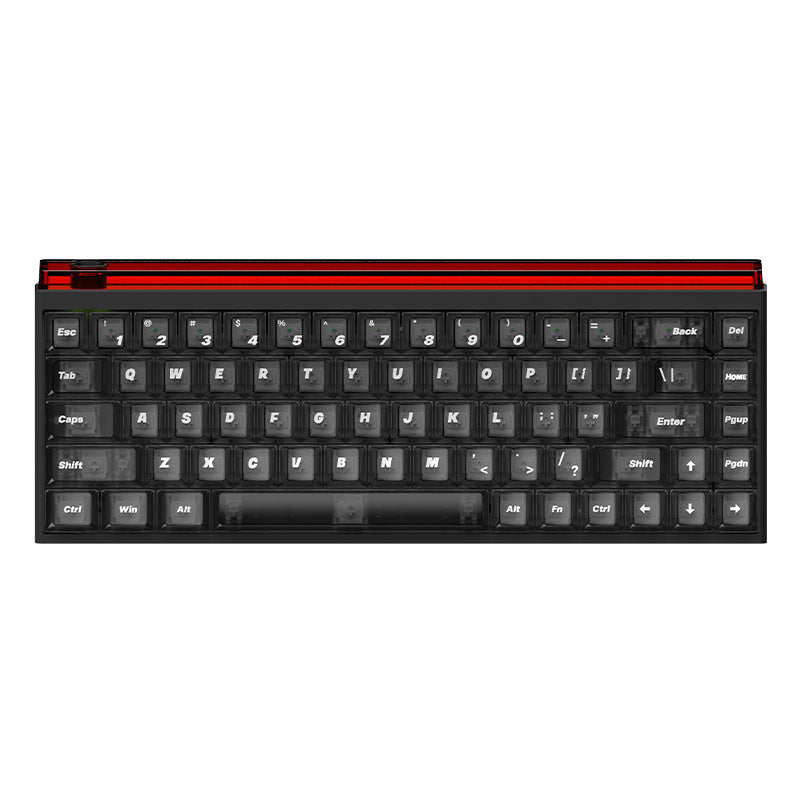
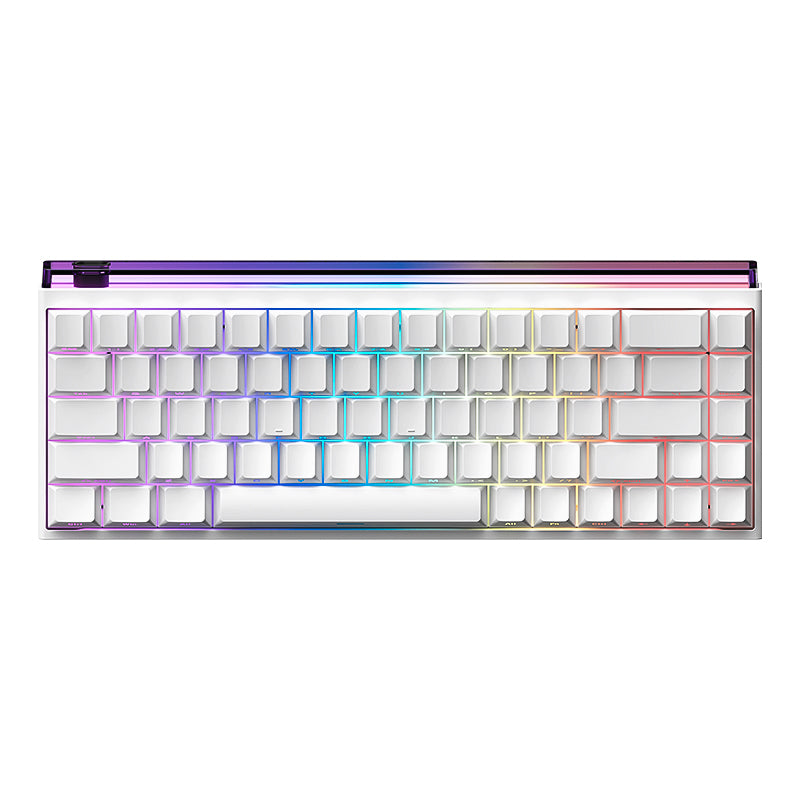


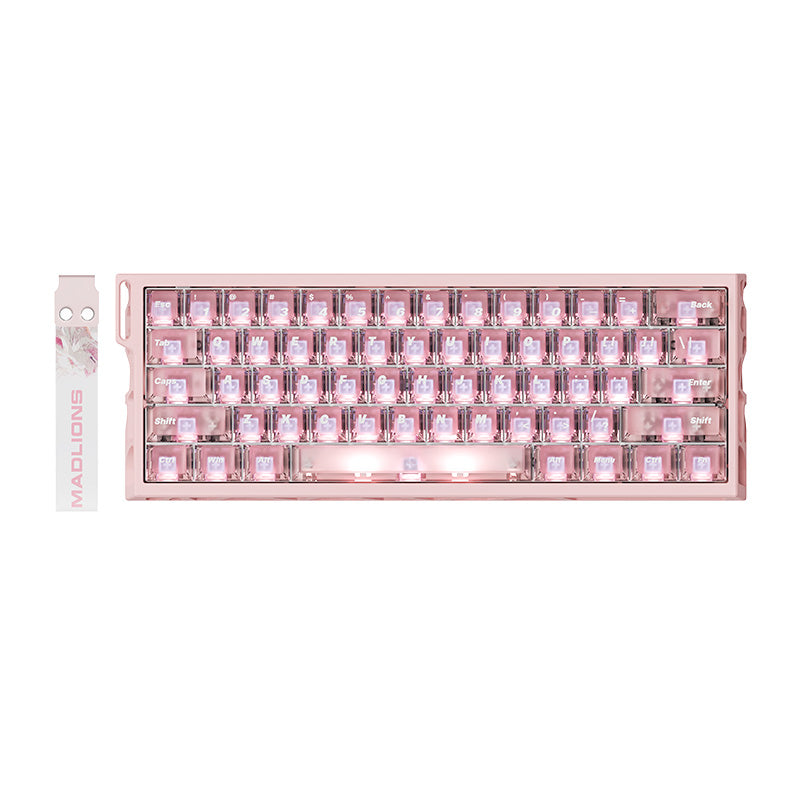
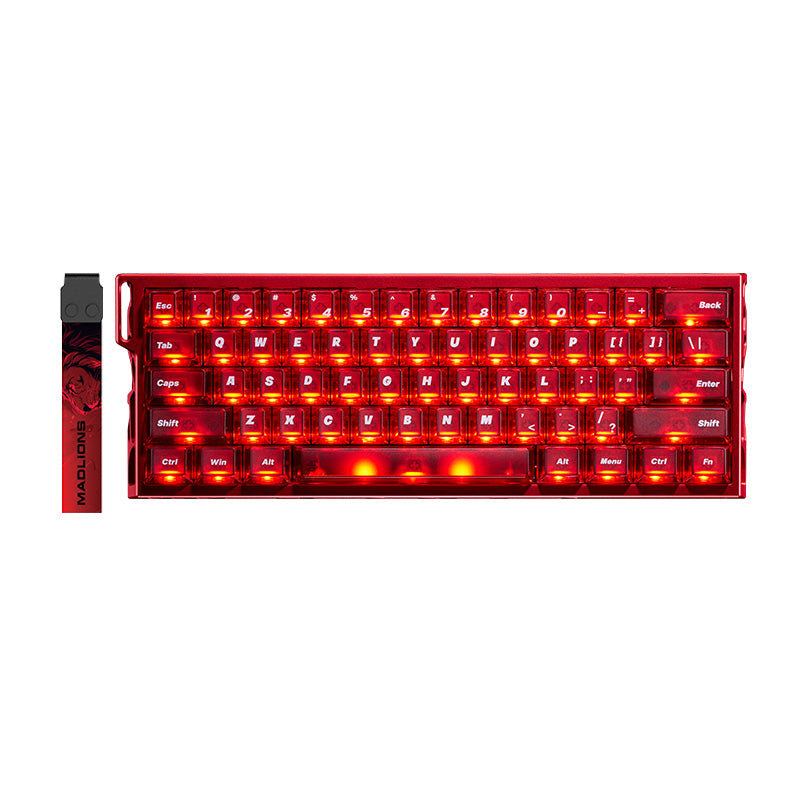
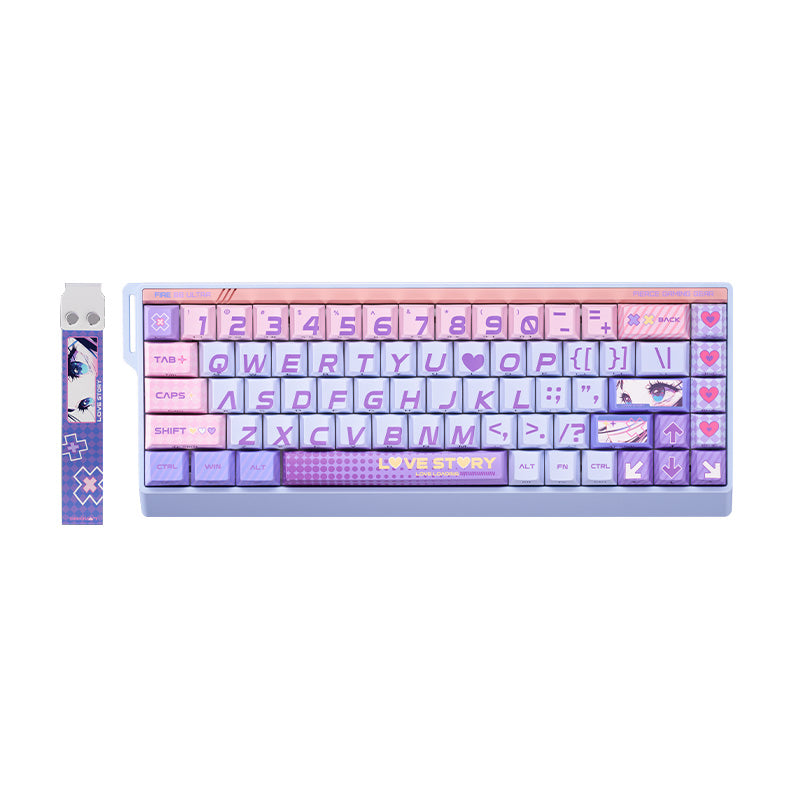
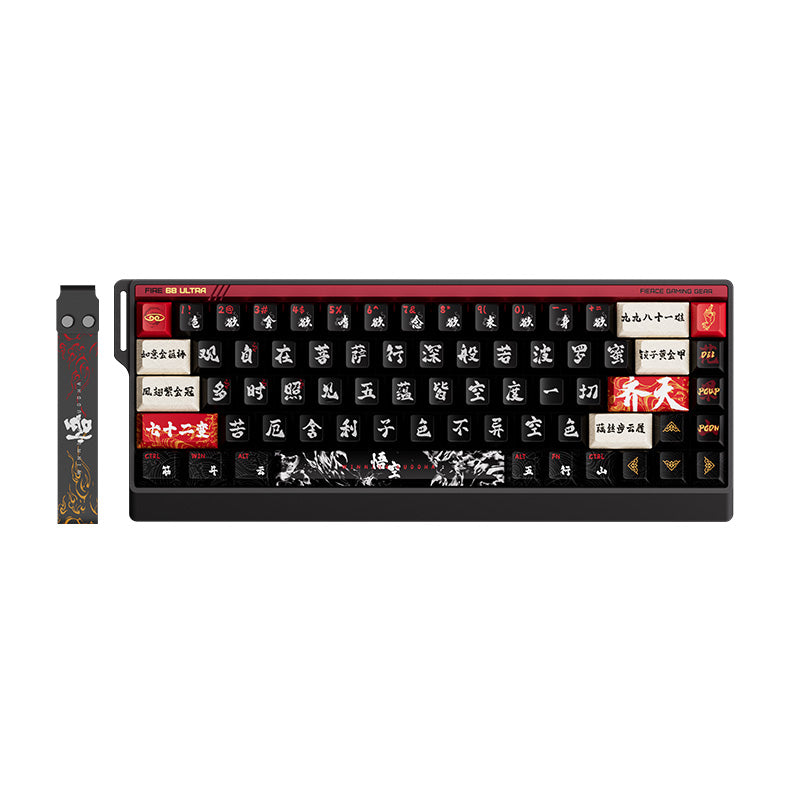
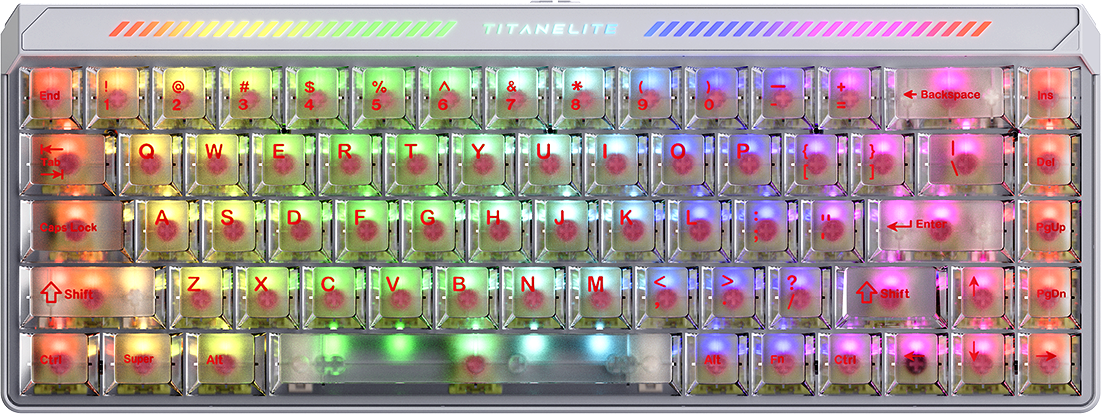
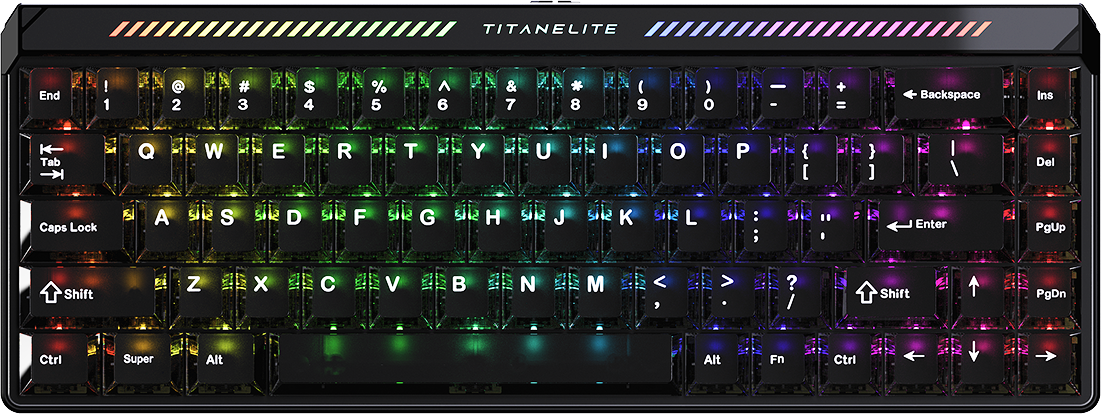
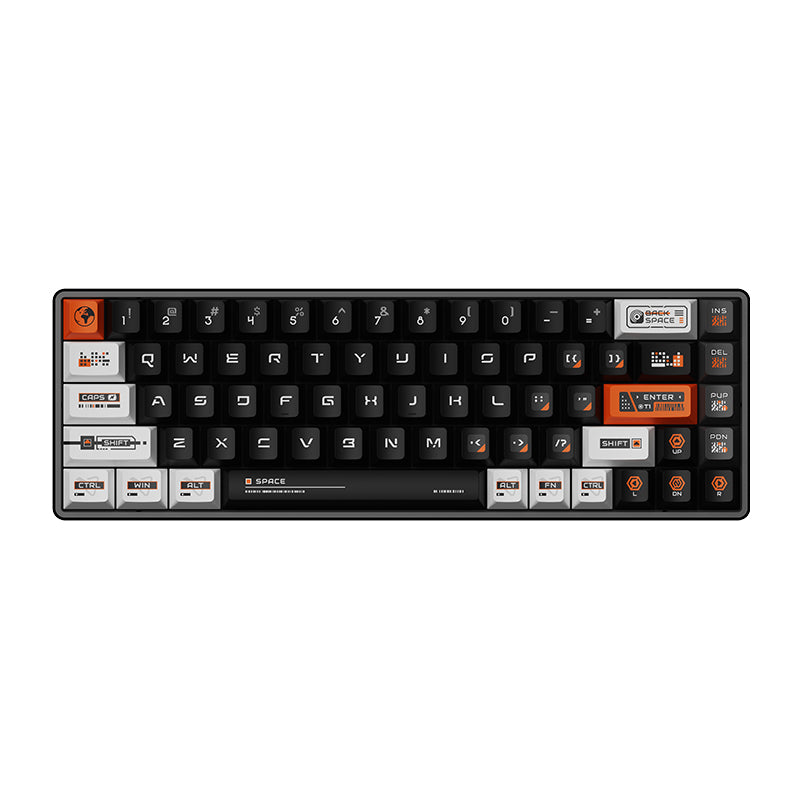
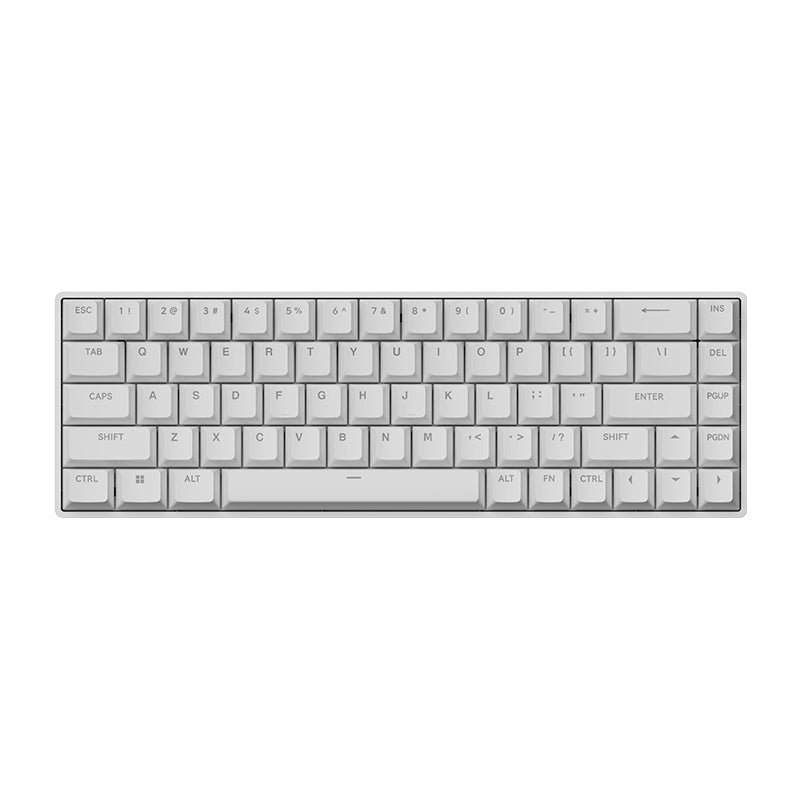
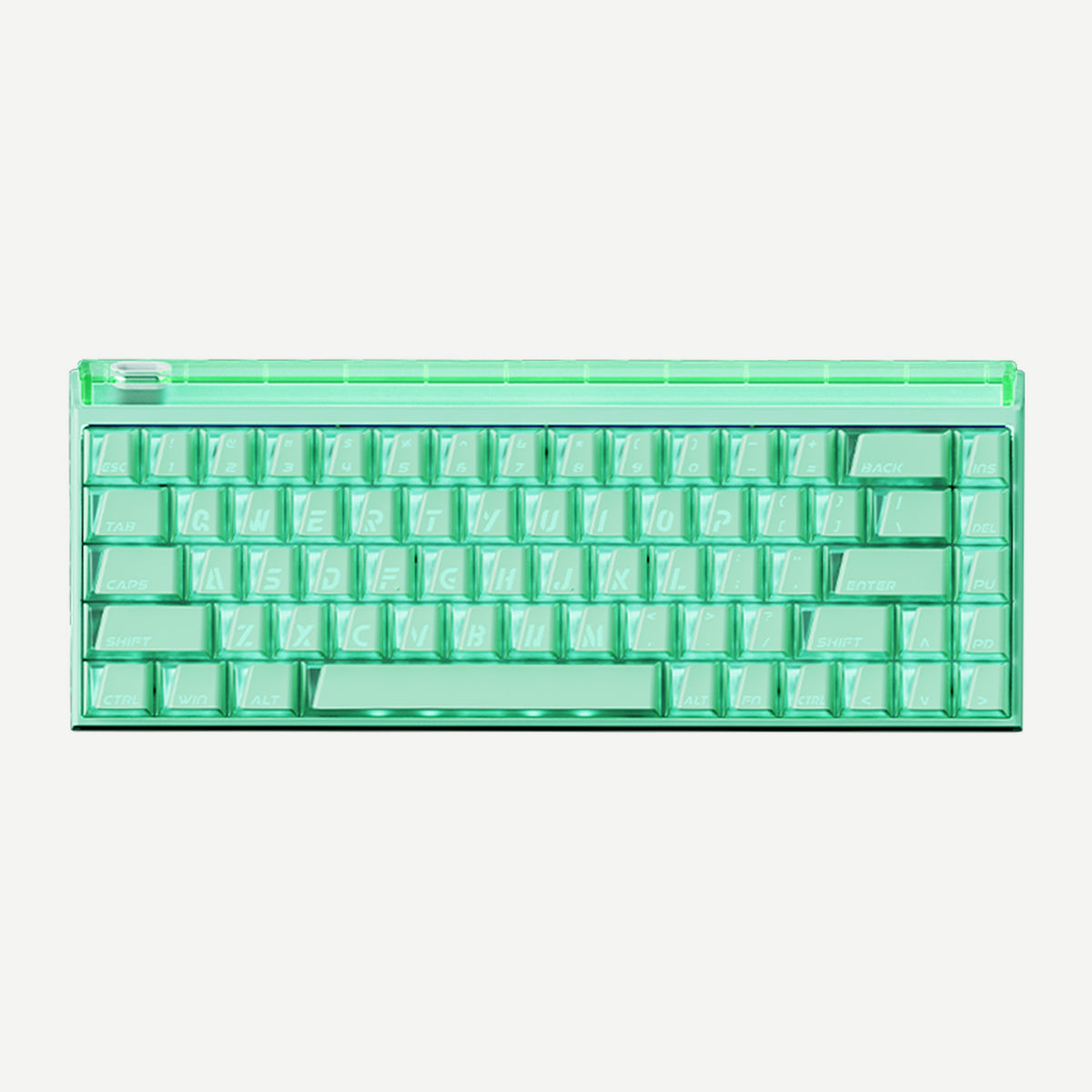
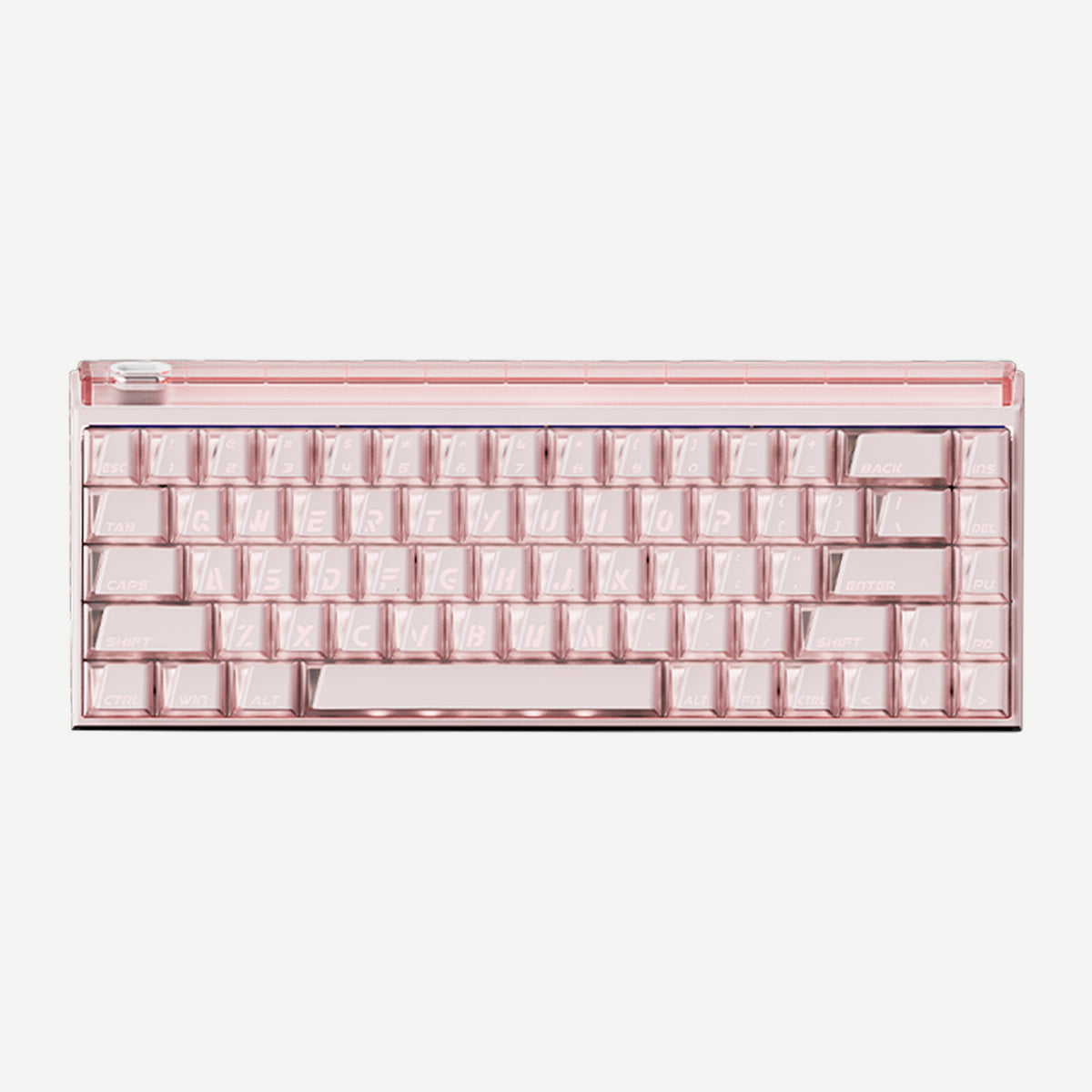
Choose Your MADLIONS Hall Effect Keyboard
Start with the layout you use most. Check the linked product page for each model’s exact options and specifications.
60%: more room for mouse movement
For a compact FPS setup, explore MAD Light 60HE. The MAD60/68 V2 product page also offers a compact 60% option; confirm the layout when selecting a variant.
68-key: compact with arrow keys
Choose this layout when you want a smaller board without losing dedicated arrows. Compare MAD68 HE, TITAN 68 Turbo, and FIRE68.
75%: function row for work and play
If you regularly use function keys, see the TITAN 75 Turbo. For a closer layout comparison, read our 60% vs 75% guide or the MADLIONS buyer’s guide.
Frequently Asked Questions
What is a Hall Effect keyboard?
It uses magnetic sensing to detect a key’s movement. On compatible models, this supports adjustable actuation instead of a single fixed trigger point.
What is Rapid Trigger?
Rapid Trigger lets supported keys reset based on their movement rather than a fixed reset point. See our Rapid Trigger guide for a fuller explanation.
Should I choose a 60%, 68-key, or 75% keyboard?
Choose 60% for maximum mouse space, 68-key for a compact board with arrows, or 75% when a function row is useful. Compare features on each product page before buying.
How do I configure a MADLIONS Hall Effect keyboard?
Open FGG HUB for the MADLIONS Web Driver and setup entry points. Check the Product Manuals for model-specific instructions.