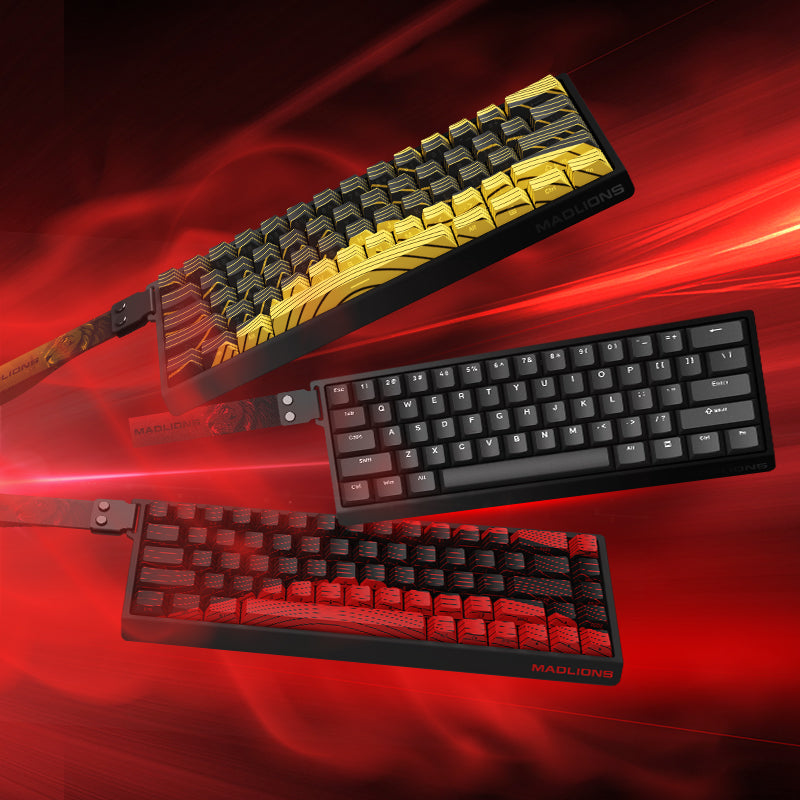

Official keyboard support
Configure your MADLIONS keyboard directly in your browser. Adjust Rapid Trigger, actuation distance, RGB lighting, macros, SOCD and other advanced keyboard settings with the official MADLIONS Web Driver. No software installation is required for supported models.
Rapid Trigger
Fine-tune rapid trigger settings for faster key reset.
Actuation
Adjust key actuation distance to match your play style.
RGB Lighting
Customize keyboard lighting and effects.
Advanced Controls
Configure macros, SOCD and other supported features.
Choose Your MADLIONS Keyboard
MAD60 HE
Official configuration and support for MAD60 HE.
MAD68 HE
Official configuration and support for MAD68 HE.
MAD60/68 V2
Official configuration and support for MAD60/68 V2.
MAD Light 60HE
Official configuration and support for MAD Light 60HE.
TITAN 75 Turbo
Official configuration and support for TITAN 75 Turbo.
MAD G
Official configuration and support for MAD G.
ZEUS MOUSEPAD
Official configuration and support for ZEUS MOUSEPAD.
FAQ
Does MADLIONS require software?
Most supported MADLIONS keyboards can be configured through the official web driver without installing desktop software.
Which browsers support the MADLIONS Web Driver?
For the best compatibility, use a Chromium-based browser such as Google Chrome or Microsoft Edge.
Where can I find MADLIONS keyboard manuals?
You can access the corresponding user manual from each keyboard section above.