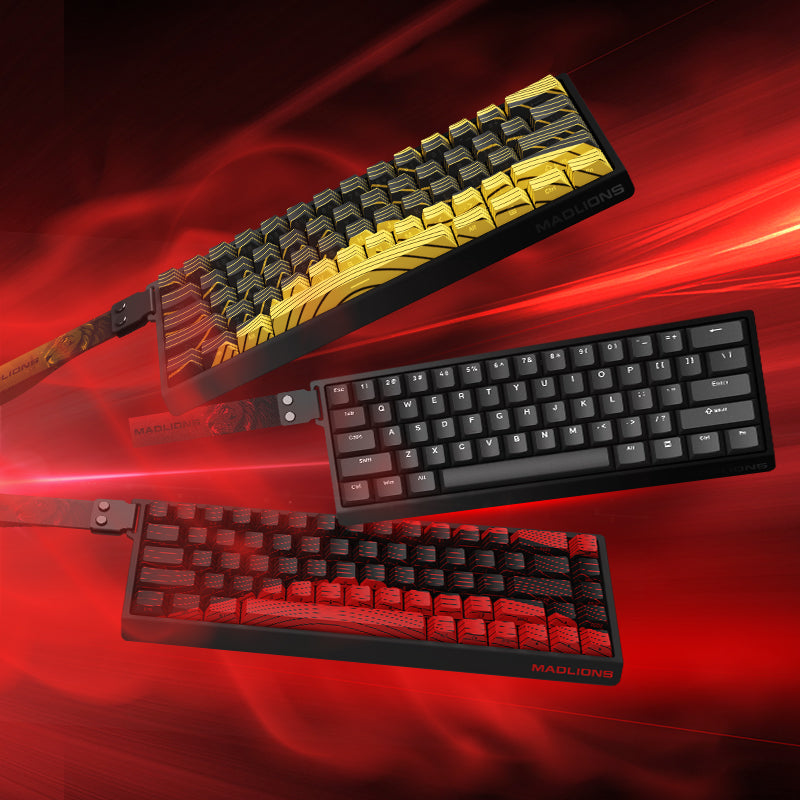


This page is the setup and user manual for MADLIONS MAD68 HE.
Looking for product specifications, availability, or purchase options? View MAD68 HE. Need to configure supported keyboard settings? Open FGG HUB for the model-specific software and Web Driver entry.
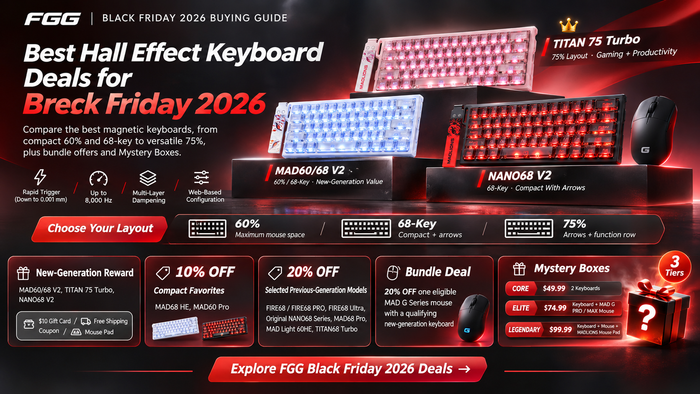
⚡ Looking for the latest generation? Check out our newly released MAD60 V2 (with ultra-low latency & upgraded switches) and the all-new 75% flagship TITAN 75 Turbo!
FGG Documentation Note: This manual is prepared by FGG Editorial from current product documentation. Firmware, software, and configuration options may change; confirm the latest downloads and instructions for your model before use.
FN+Combination Key (Window)
FN+Combination Key (Mac)
Connectivity
Wired Connection
Use the USB cable of this product to connect to the Type-C port of the keyboard and the USB-A port on the device.
The keyboard light will light up when the connection is successful
🚀 Ready for the Next-Gen Performance?
Loving your current keyboard but looking for the ultimate competitive edge? Meet our latest 2026 flagships:
-
MAD60 V2 Hall Effect Keyboard → The esports weapon reborn. Featuring upgraded magnetic switches, refined acoustic dampening, and true 0.01mm Rapid Trigger accuracy for millimeter-precise counter-strafing. -
TITAN 75 Turbo Hall Effect Keyboard → The complete performance setup. Designed for players who demand arrow keys and the F-row without sacrificing Hall Effect esports speed. Premium sound, gasket mounting, and uncompromising build quality.
Official MADLIONS Resources
View MAD68 HEMADLIONS Software & Web DriverAll MADLIONS Product Manuals
FGG Documentation Standard
FGG Editorial reviews documentation when product software, firmware, or published specifications change. This page provides setup guidance and does not replace the latest product documentation for your exact model.